GPS-Powered Running Music

The Best Running Music App for iOS

Run to perfectly paced music. FitBeat automatically syncs your music tempo to your running speed using GPS tracking. Every step matches the beat.
FitBeat Running Music App
🏃 GPS Tracking
đŸŽ” 145 BPM
How It Works

GPS-Powered Tempo Matching

FitBeat uses your iPhone's GPS to track your running speed and automatically adjust music tempo in real-time.

GPS Speed Detection

Precise GPS continuously monitors your running speed with high accuracy, whether you're on roads, trails, or tracks.

Cadence Calculation

Your speed is converted to optimal running cadence based on your height for the most natural stride rhythm.

Real-time Tempo Adjustment

Music tempo adjusts smoothly to match your cadence. Speed up and the beat follows. Slow down and it adapts.

Smart Auto Mode

Combines GPS with pedometer for the most accurate cadence detection. Works perfectly indoors and outdoors.

Running Modes

Two Ways to Match Your Pace

Choose the perfect mode for your running style.

Pro

Running Speed Mode

GPS-Powered Tracking

Uses GPS to track your running speed and converts it to optimal cadence based on your height profile.

  • Height-calibrated cadence
  • Real-time GPS tracking
  • Outdoor running optimized
Best for: Outdoor road running
VS
App Preview

See FitBeat in Action

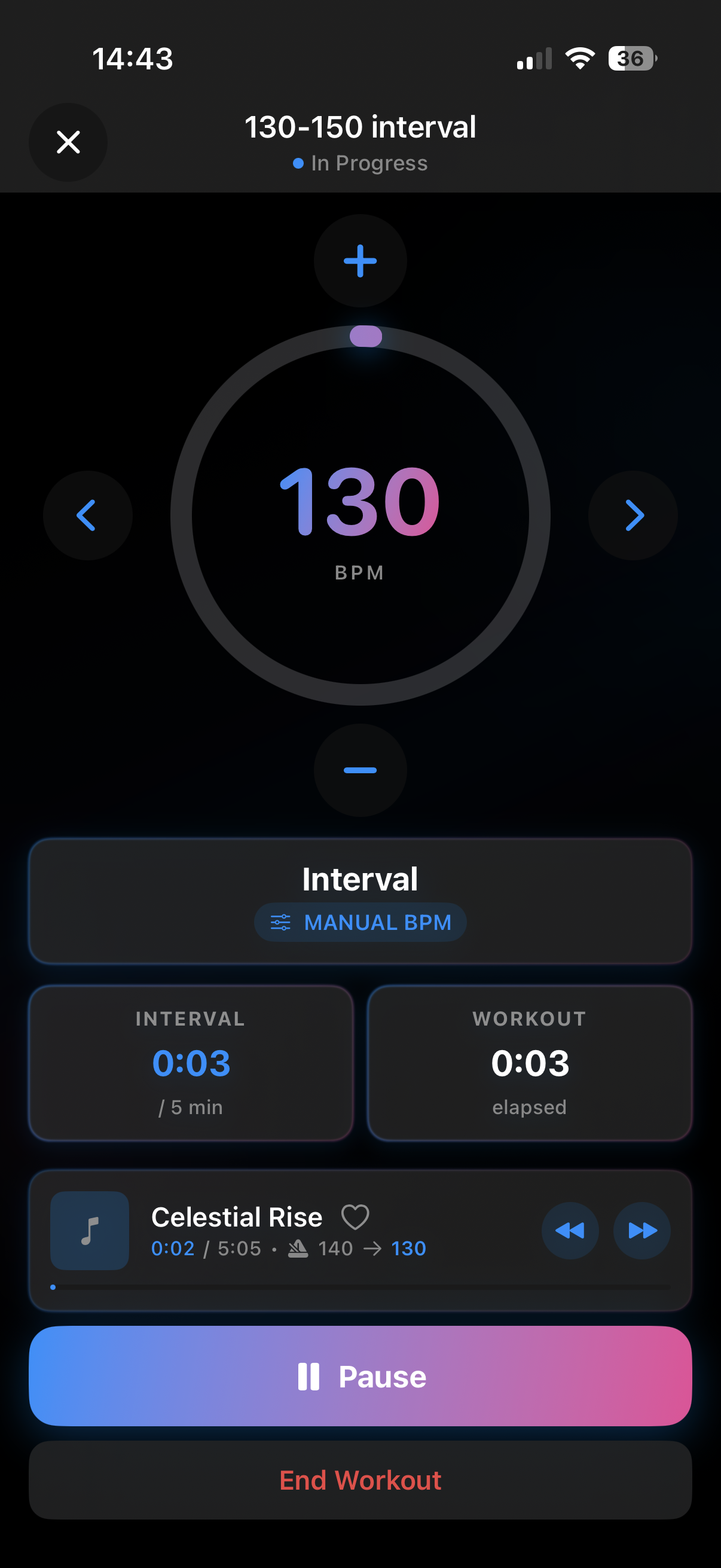
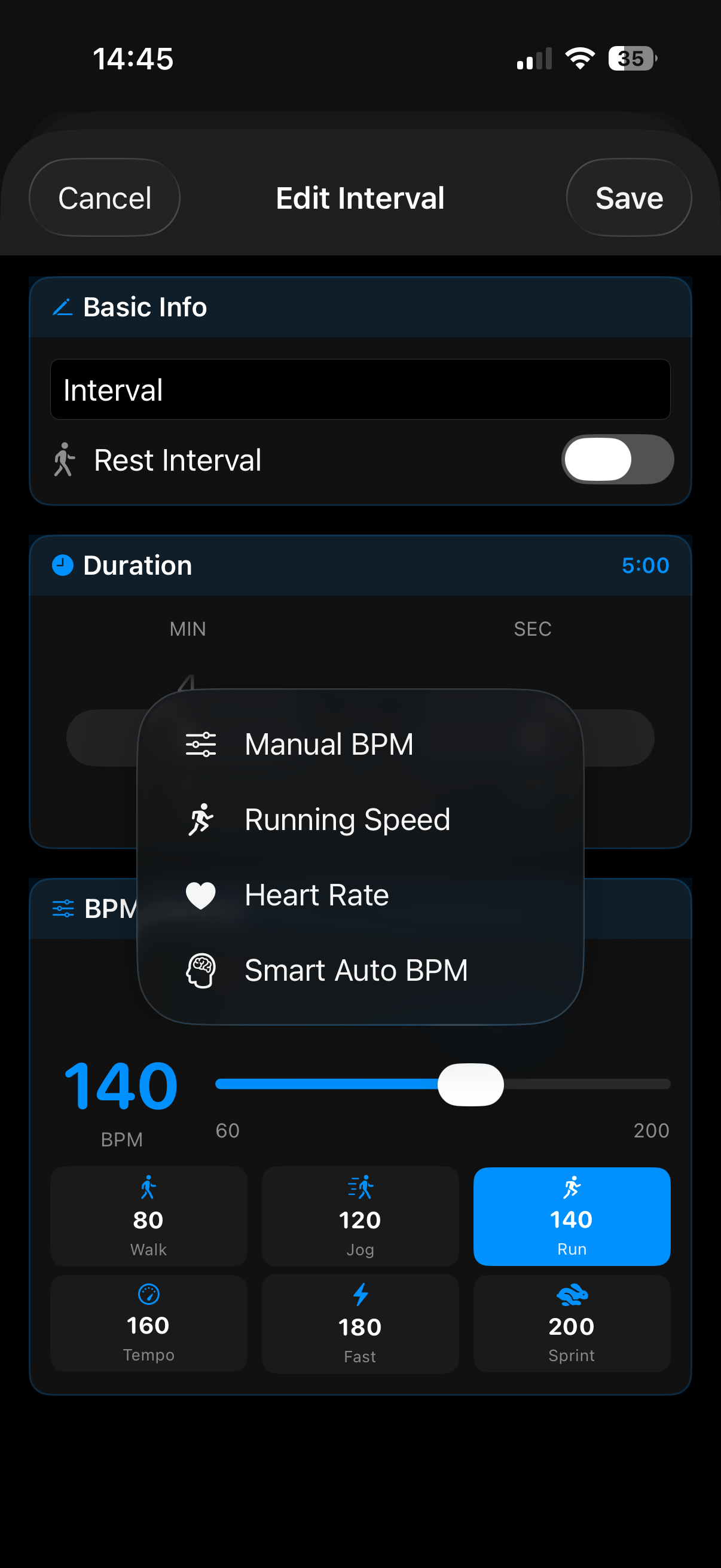
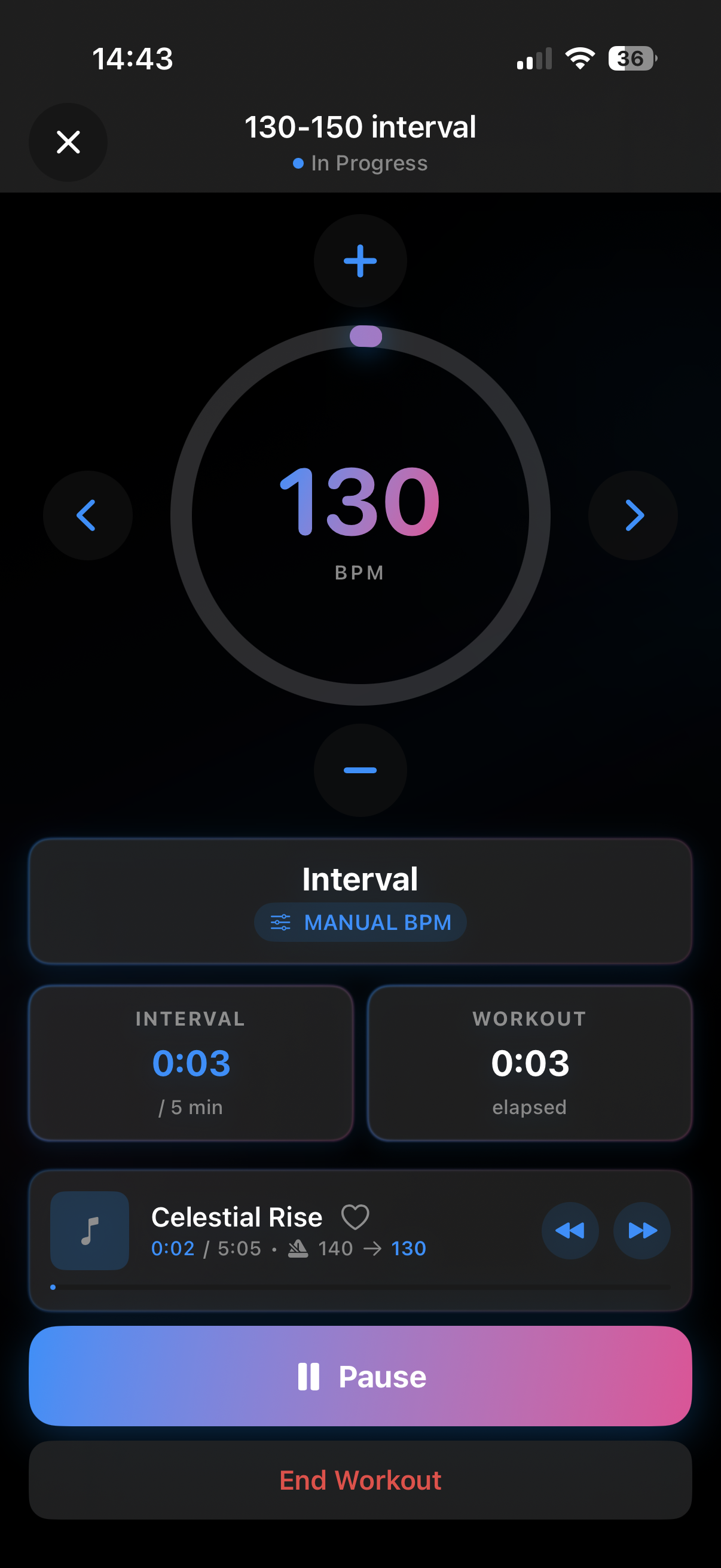
Beautiful interface designed for runners.

Active Workout
BPM Modes
Music Library
Workout Complete
Cadence Guide

Running Cadence Chart

Different paces need different tempos. FitBeat handles this automatically.

Pace Speed BPM
Easy/Recovery 9-11 min/mile 150-160
Moderate 7-9 min/mile 160-170
Tempo 6-7 min/mile 170-180
Fast/Race Under 6 min/mile 180-190
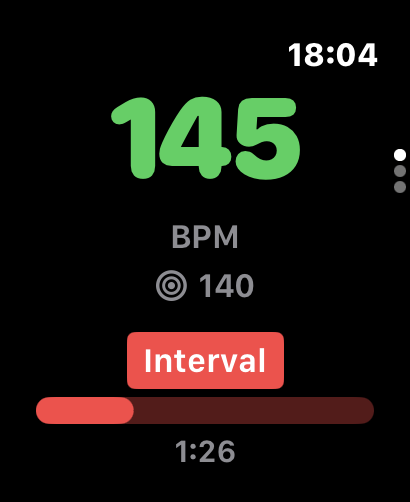
Watch BPM
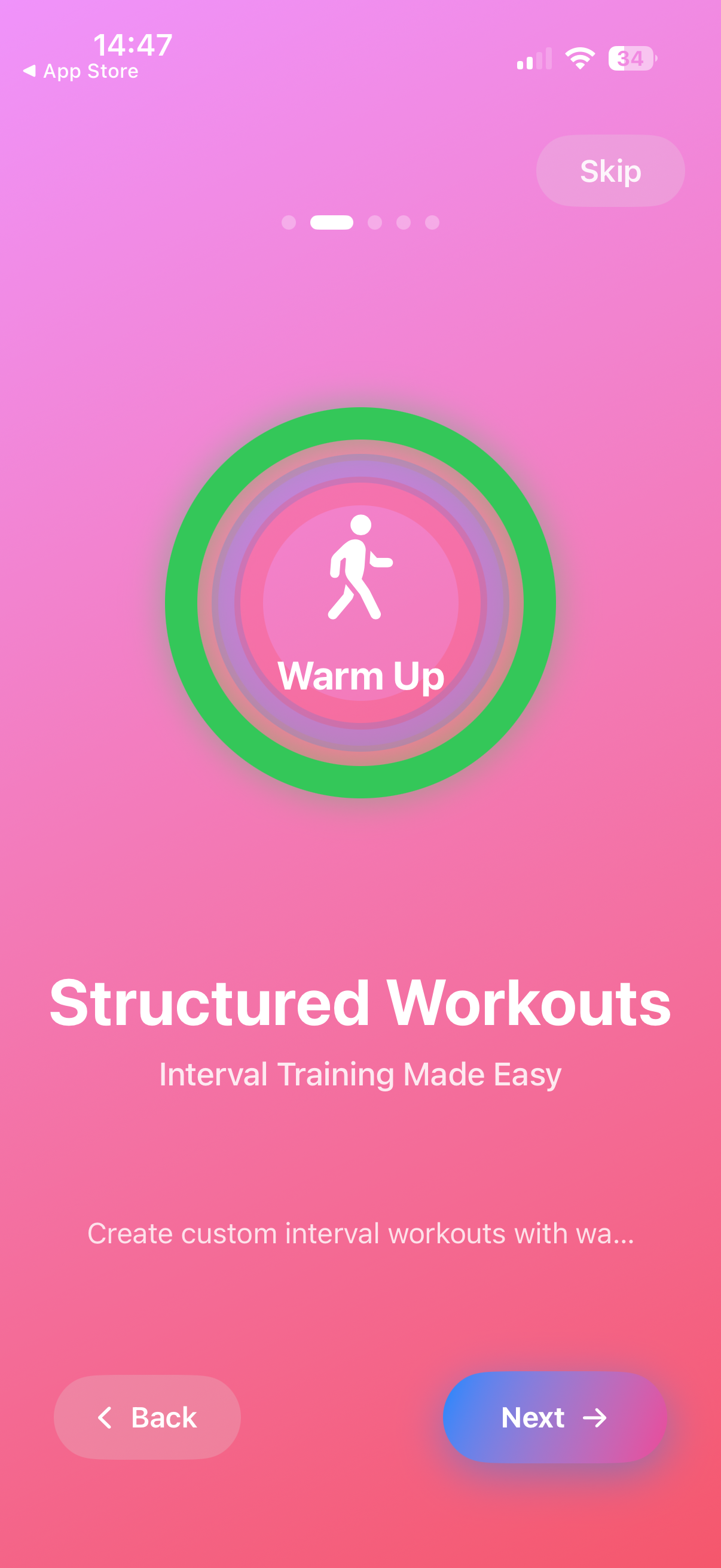
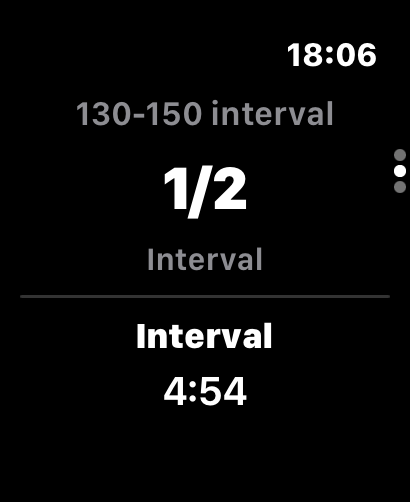
Watch Intervals
Apple Watch

Control from Your Wrist

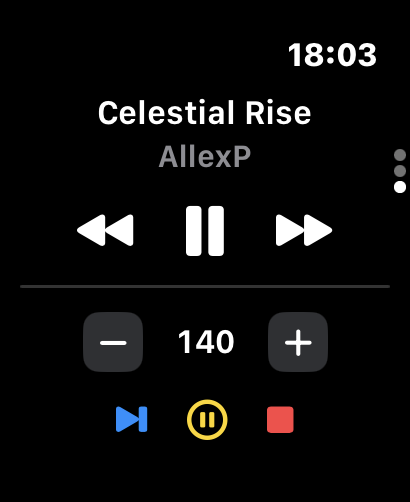
Run without your phone in hand. Control everything from Apple Watch.

  • Real-time BPM display
  • Skip tracks easily
  • Start/stop workouts
Learn More
FAQ

Frequently Asked Questions

Everything you need to know about running with FitBeat.

FitBeat uses your iPhone's GPS to track your running speed in real-time. It then calculates your optimal running cadence (steps per minute) based on your speed and height. The app adjusts your music's tempo using advanced time-stretching technology so the beat matches your footsteps perfectly—without changing the pitch of your songs.

Running Speed Mode uses GPS exclusively to track your pace and convert it to cadence based on your height. It's ideal for outdoor running on roads or trails where GPS signal is strong.

Smart Auto Mode combines GPS with your iPhone's pedometer (motion sensors) for more accurate cadence detection. This hybrid approach works better in areas with weak GPS signal (urban canyons, tree cover) and also works indoors on treadmills.

No subscription is required! FitBeat works with music you already own on your device. You can import songs from your iTunes library or add music files directly. FitBeat also integrates with Apple Music—if you have a subscription, you can access your Apple Music library directly within the app. Note: Tempo adjustment works best with music stored locally on your device.

FitBeat uses professional-grade time-stretching algorithms that adjust tempo without changing pitch. Within the typical running BPM range (140-180 BPM), the audio quality remains excellent. The tempo adjustments are subtle and smooth—you'll feel the music matching your rhythm rather than hearing jarring speed changes.

FitBeat supports a BPM range from 60 to 200, covering everything from slow recovery walks to fast sprints. For running, most users find their optimal cadence between 150-180 BPM. The app can detect the original BPM of your songs and adjust them to match your target cadence automatically.

Yes! Use Smart Auto Mode for treadmill running. Since GPS doesn't work indoors, Smart Auto Mode uses your iPhone's pedometer to count your actual steps and match the music tempo to your cadence. Just keep your iPhone in your pocket or on an armband, and FitBeat will detect your steps accurately.

FitBeat uses your iPhone's built-in GPS, which is typically accurate within 5-10 meters. For running pace calculation, this provides reliable speed data. In areas with poor GPS signal (tunnels, dense urban areas, heavy tree cover), Smart Auto Mode's hybrid GPS + pedometer approach provides more consistent results.

There are several ways to add music: 1) Import from your iPhone's Music library (songs synced via iTunes/Finder), 2) Connect your Apple Music subscription to access your playlists, 3) Import audio files directly using the Files app or AirDrop. FitBeat supports MP3, AAC, M4A, WAV, and other common audio formats.

Absolutely! FitBeat has a built-in playlist manager where you can create custom playlists for different workouts. You can also use the Auto Playlist Generator to automatically create playlists based on BPM range—perfect for creating a "high energy" playlist with 170+ BPM songs or a "recovery run" playlist with slower tempos.

Yes! FitBeat includes a powerful workout builder where you can create custom interval workouts. Define warm-up, high-intensity, recovery, and cool-down intervals with specific durations and target BPMs. The app will automatically adjust music tempo for each interval and provide voice announcements when intervals change.

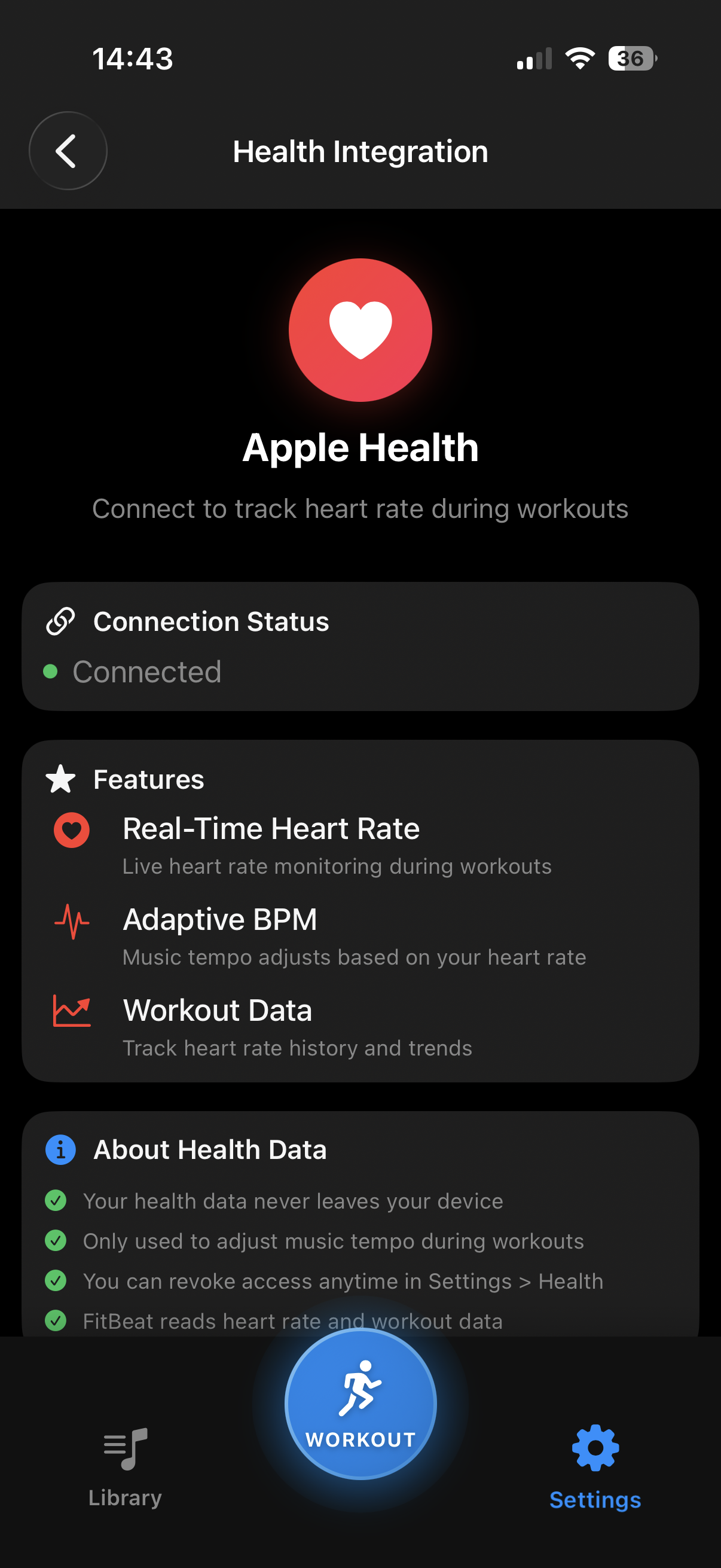
Yes! During workouts, FitBeat tracks distance, duration, average pace, calories burned, and cadence. After your run, you can view a summary with all your stats. FitBeat also integrates with Apple Health, so your workouts are automatically saved to the Health app and count toward your Activity rings.

No, Apple Watch is optional. FitBeat works perfectly with just your iPhone. However, if you have an Apple Watch, you'll get additional features: wrist-based heart rate monitoring for Heart Rate Mode, convenient playback controls on your wrist, and the ability to see your current BPM and workout progress without pulling out your phone.

Yes! FitBeat works with any Bluetooth headphones, including AirPods, AirPods Pro, Beats, and other wireless earbuds. The app also supports headphone controls—you can play/pause and skip tracks using your headphone buttons without touching your phone.

Free features: Manual BPM mode (set your own target tempo), basic workout tracking, up to 3 playlists, and 5 custom workouts.

Pro features: Running Speed Mode (GPS), Smart Auto Mode (GPS + pedometer), Heart Rate Mode, unlimited playlists and workouts, extended workout history, and smooth BPM transitions. Pro is available as a monthly ($9.99/month) or yearly ($59.99/year) subscription with a 3-day free trial.

FitBeat is optimized for battery efficiency. GPS tracking and audio playback are the main battery consumers. For a typical 1-hour run, expect about 10-15% battery usage—similar to other GPS running apps. Tips to save battery: start with a full charge, disable Wi-Fi during runs, and use Smart Auto Mode which can reduce GPS polling when pedometer data is sufficient.

Start Running with Perfect Music

Download FitBeat and experience running music that actually matches your pace.